
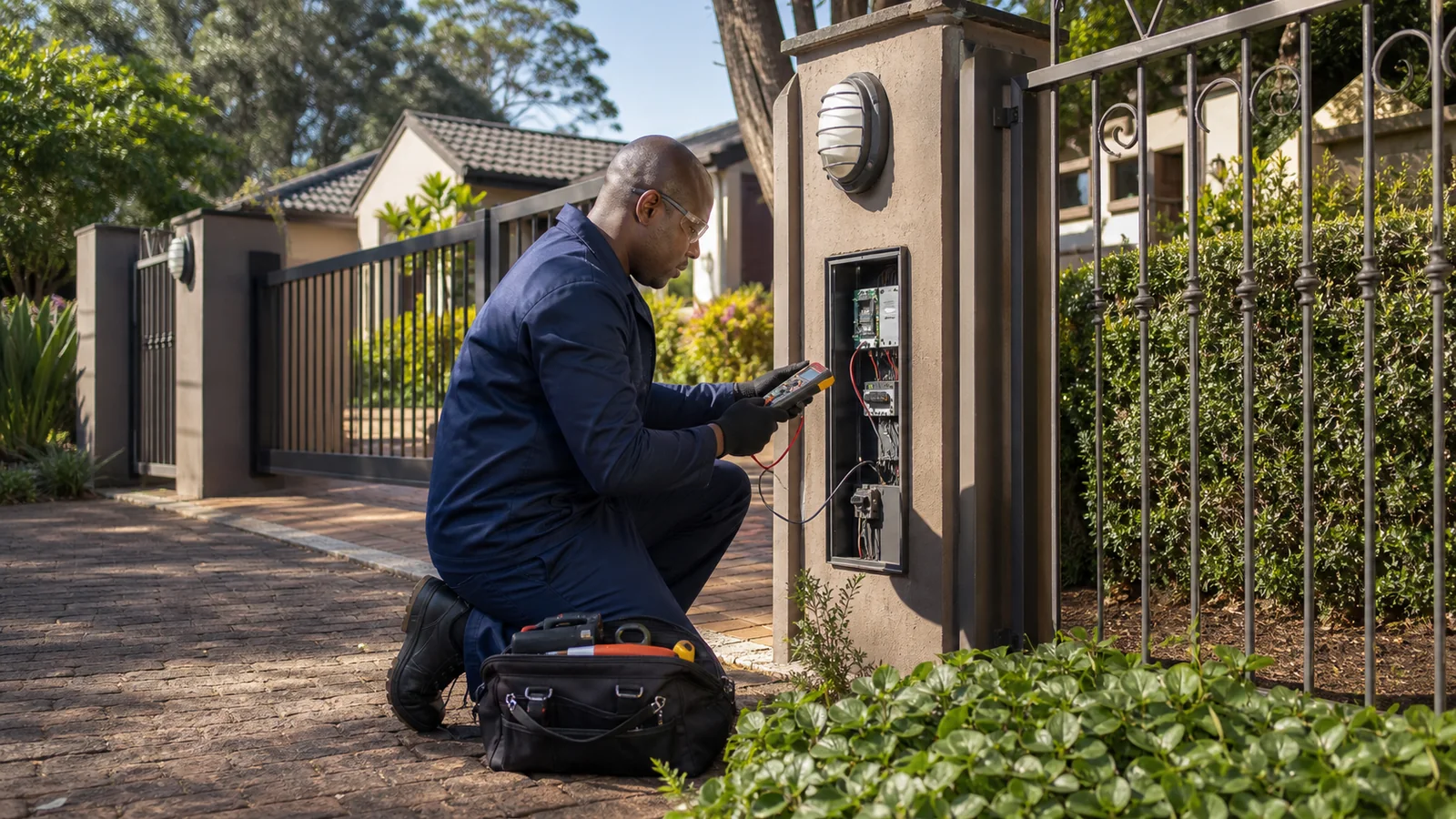
For a Northwold power enquiry involving a prepaid display, provide the visible message and supply symptoms so meter support and private electrical work can be distinguished.
Record the display without opening equipment
Copy an accessible error message or visible status accurately and note when it appeared. Include whether lights, sockets or common services are affected. Do not open a meter enclosure, disturb seals or change wiring. A display message is useful information, but it is not a complete electrical diagnosis.
- Exact accessible display message
- Affected areas and timing
- Supplier or meter-support reference
Identify the authorised support route
Use the account, prepaid receipt or building management records to identify the relevant supplier or meter-service contact. Keep any existing support reference. Tell Wesslink what that contact has actually confirmed, avoiding assumptions that every power loss is a token issue or every display problem is private wiring.
Keep the two records connected
If an electrical investigation is arranged, provide the meter-support history and affected-area description together. Ask for the assessed boundary and any referral to be recorded. Restored credit, a changed display and a completed electrical repair are different events and should be described separately in the handover.
Useful questions
Questions property owners ask next.
Should I open a Northwold prepaid meter to check a fault?+
No. Leave seals, covers and wiring undisturbed. Record safely visible information and use the authorised supplier or meter-support route while the need for private electrical assessment is clarified.
The next useful step